Digitally fillable contracts, waivers, estimators and pricing calculators
PDF forms and spreadsheet calculators you type into on any device, then print or send. No handwriting, no blank lines.
Software runs your schedule. Paperwork and numbers protect your money. These one-time-purchase tools cover the signed agreements, estimates and money tracking that small trade and service owners need, whether or not they use field service software.
Why these forms are different
Digitally fillable. Deeply researched. Less risk. More income. Advantages most Etsy forms don't have.
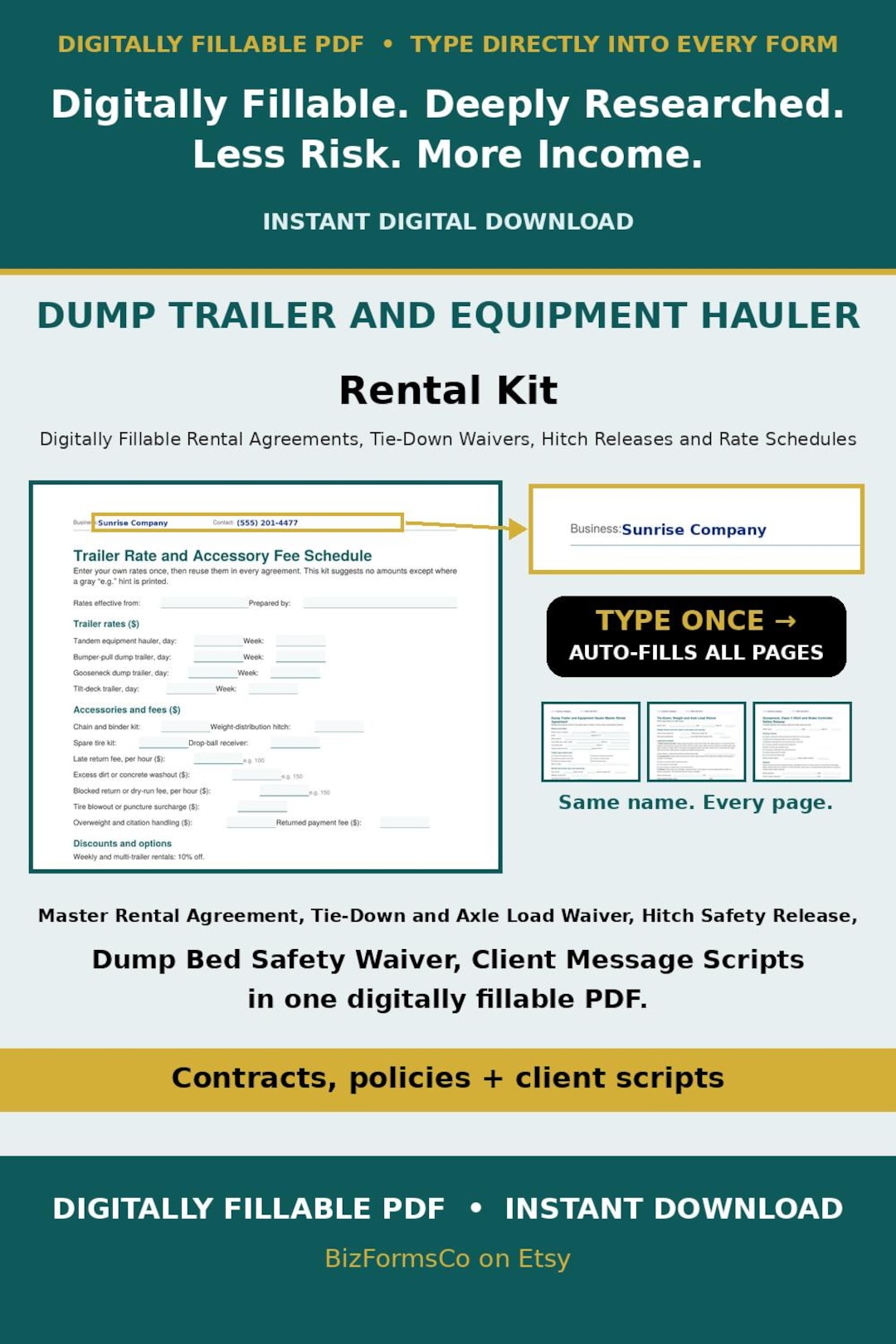
Type your name once
Enter your business name and contact details in the header of any page and they fill in on every page automatically.
Type-ready, no handwriting
Type, tick the checkboxes and sign on a phone, tablet or computer. They work in any free PDF reader. Many Etsy PDF forms are flat, and typing into those neatly usually takes a paid editor such as Adobe Acrobat: Standard is $14.99 a month on an annual plan billed monthly ($24.99 month-to-month), and Pro is $19.99 a month on an annual plan ($29.99 month-to-month), per Adobe's pricing page, checked October 21, 2026. Our forms need none of that.
Reuse them for every customer
Buy once and use the forms across your whole operation, for as many customers as you serve.
Built to protect your business
Agreements, releases and safety addenda written for your trade help you document the job and head off disputes before they start.
Your rates, your numbers
Fields for your own rates, fees, deposits and surcharges. We never fill in an invented number for you.
Save hours of paperwork
A polished, commercial-grade set of documents that makes your business look established from the first job.
1. Fillable PDF forms for your business
Agreements, waivers, estimates and authorizations. You type into the fields with any free PDF reader, then print or send. Some examples are below and there are many more. If you don't see one here or in the Etsy store, we can custom make one for you!
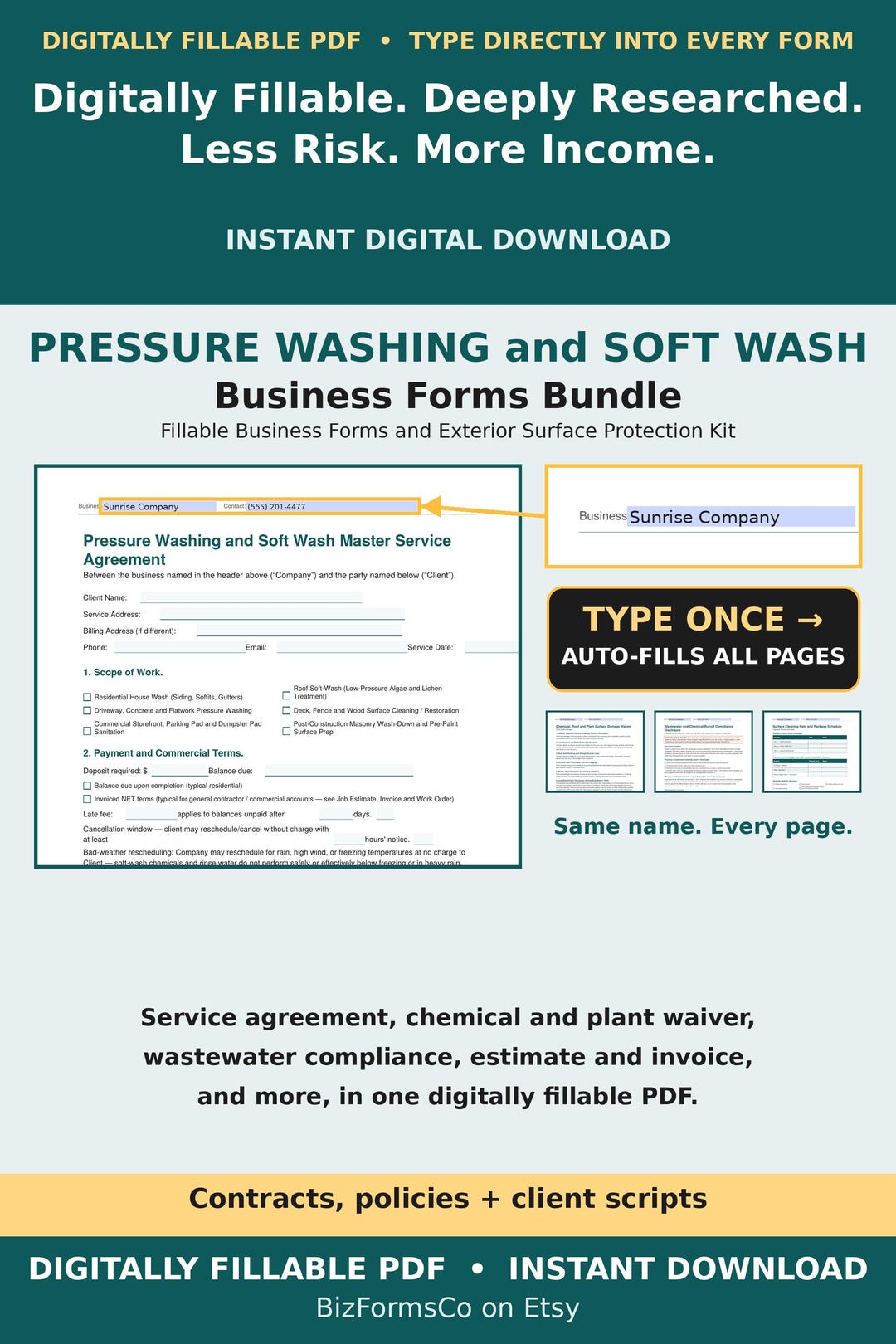
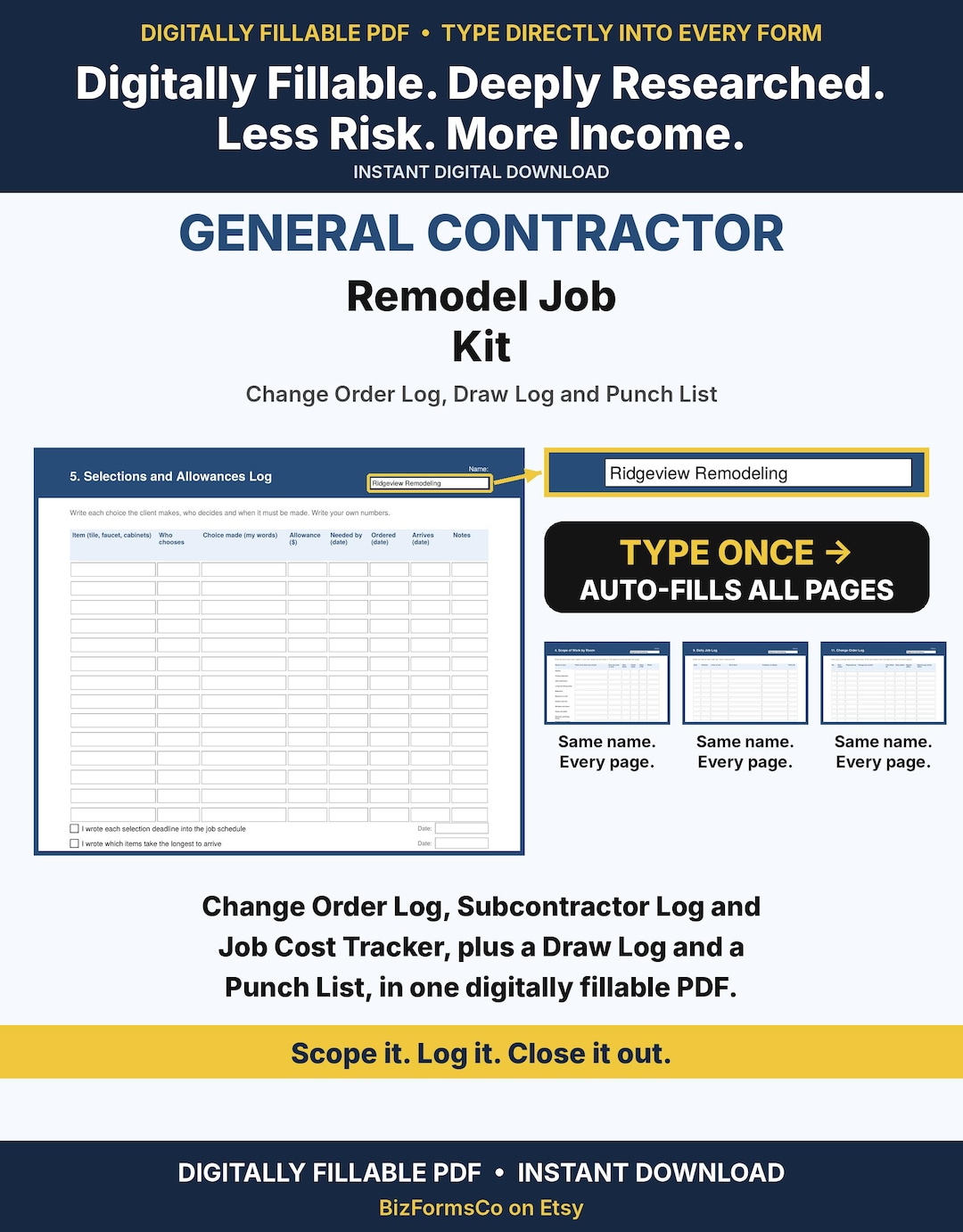
Commercial Property Care
Exterior and site work for business properties.
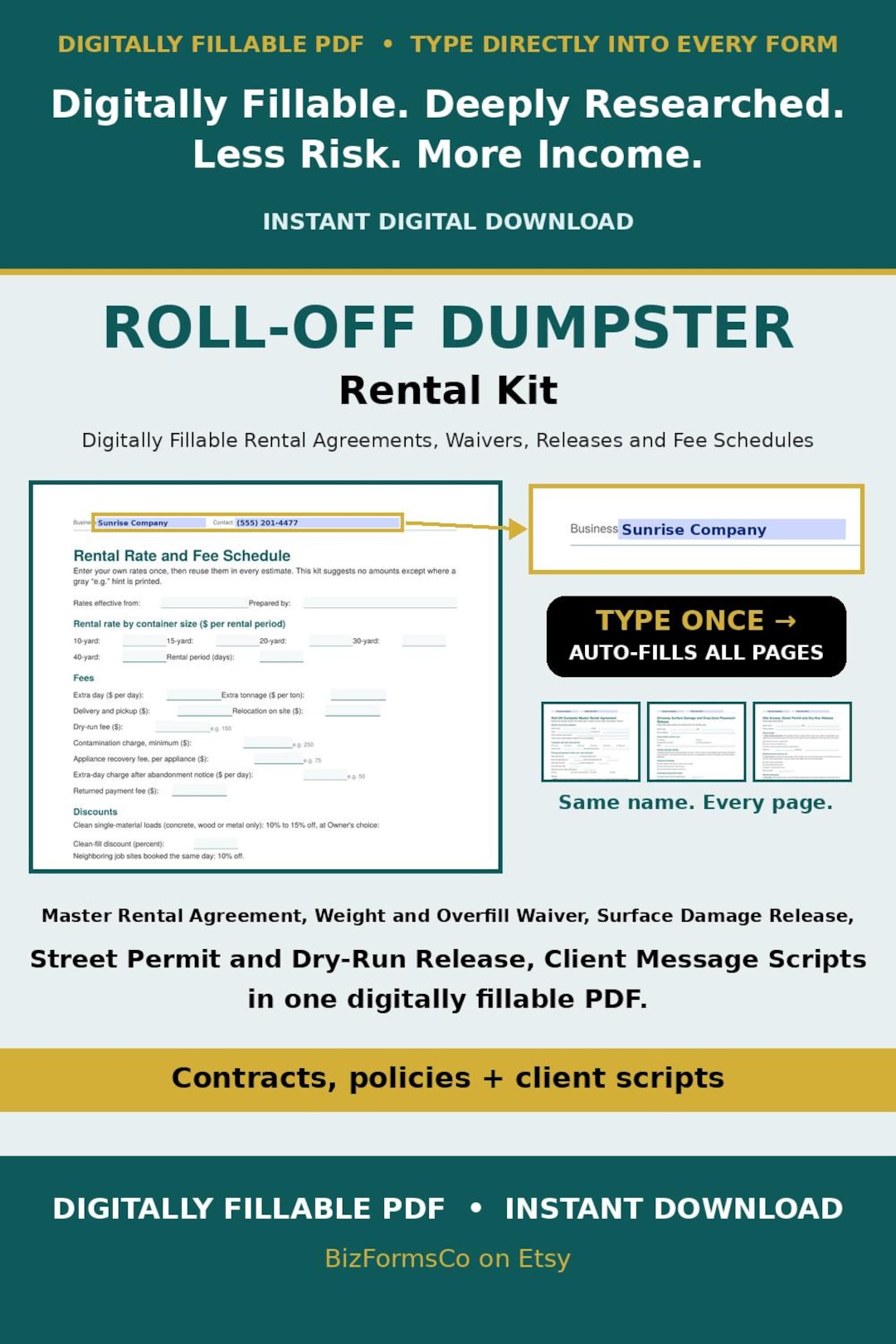
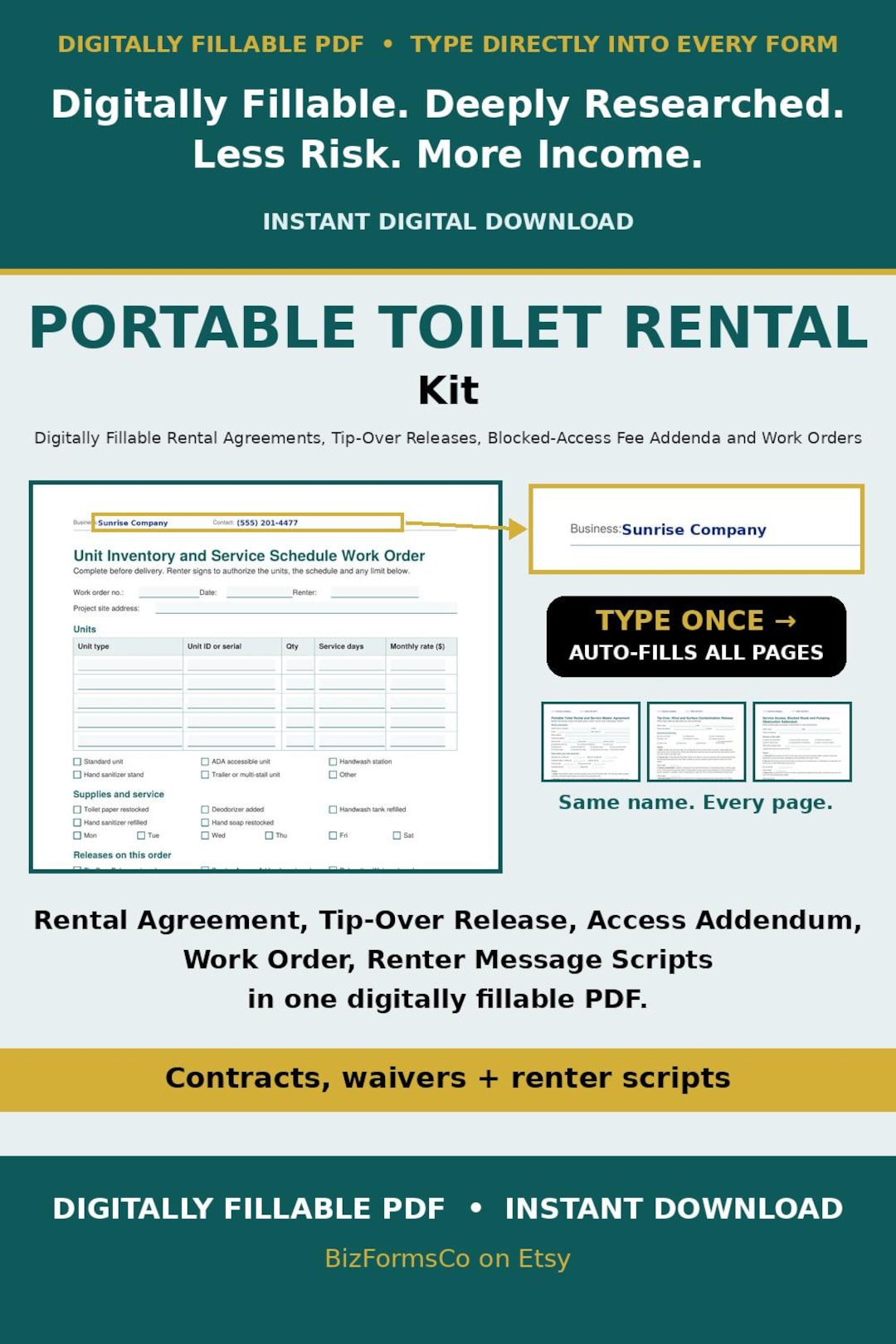
Equipment & Event Rentals
Rental agreements and damage terms for gear you own.
Overnight & Land Stays
Host and guest paperwork for stays on your land.
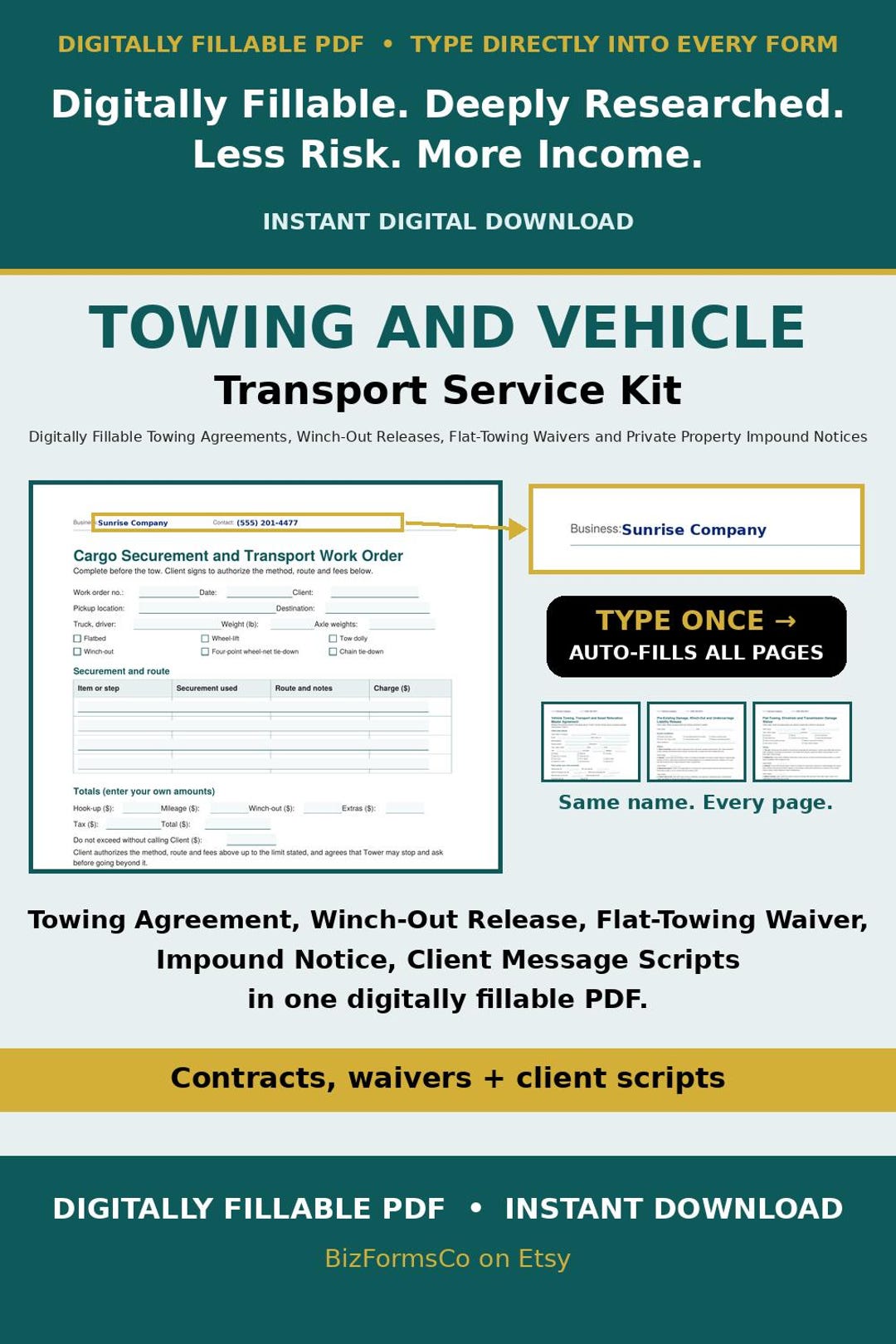
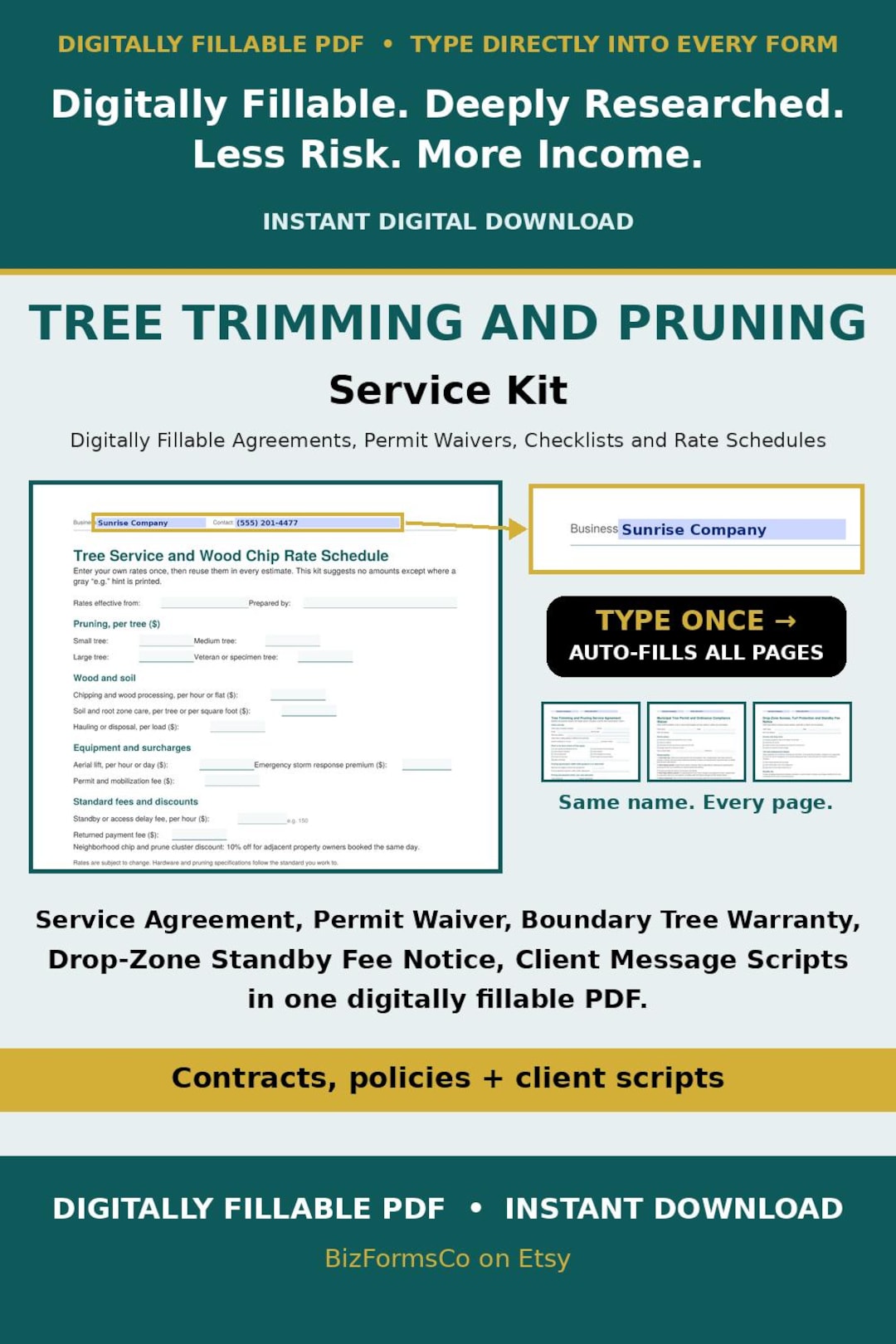
Mobile Rig & Trailer Services
Work done from a truck, trailer or rig.
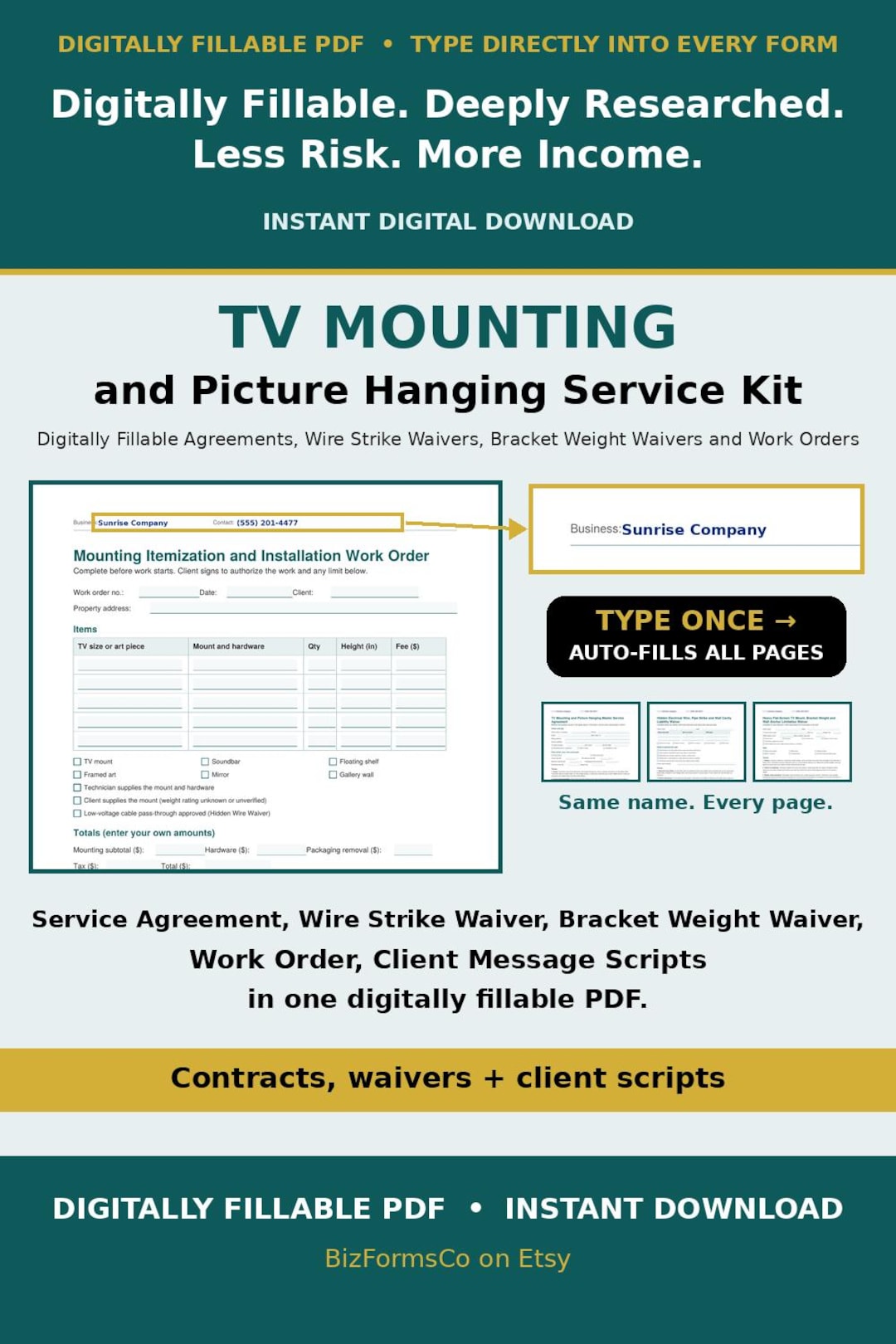
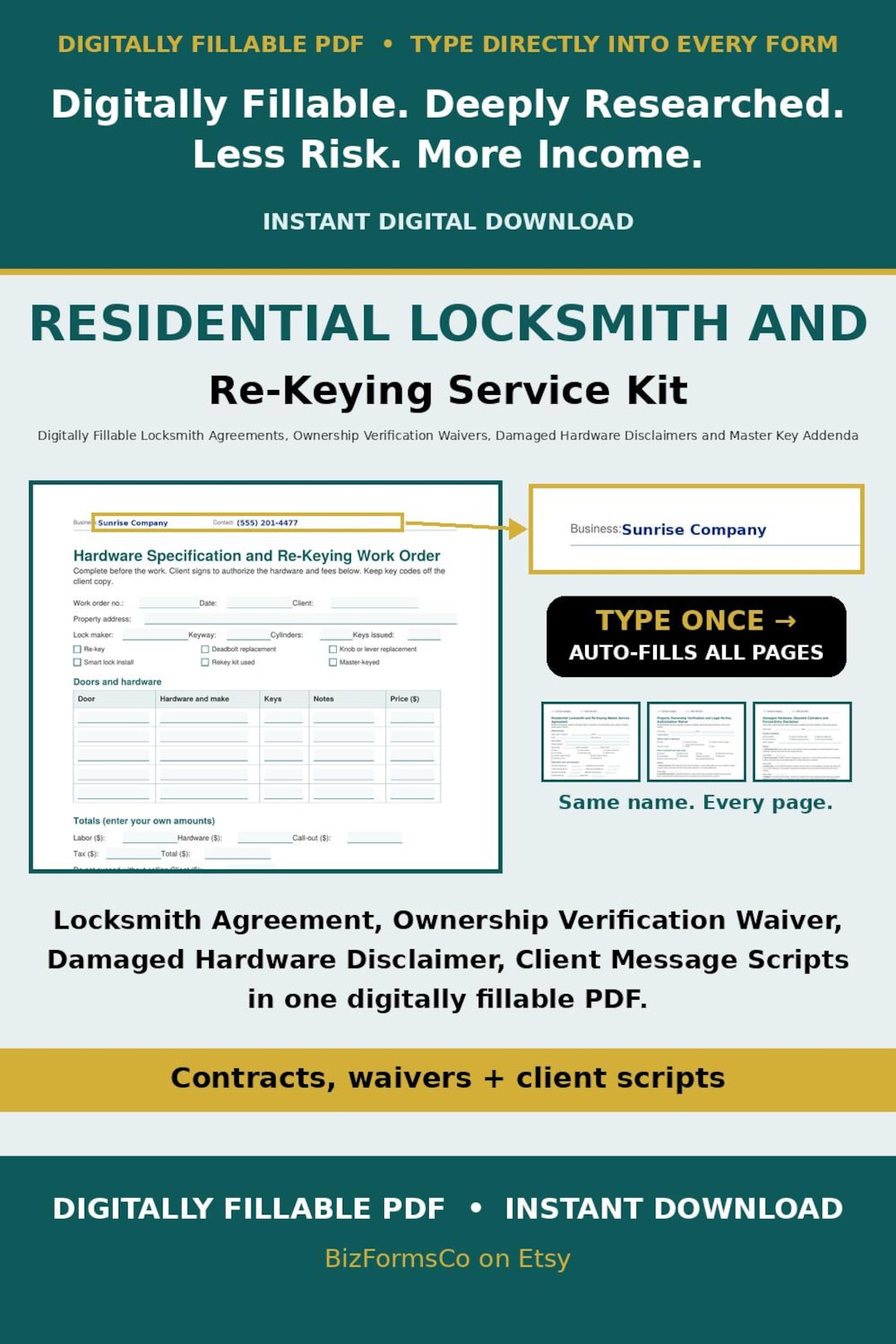
Specialty & Tech Field
Install and service jobs in customers' homes.
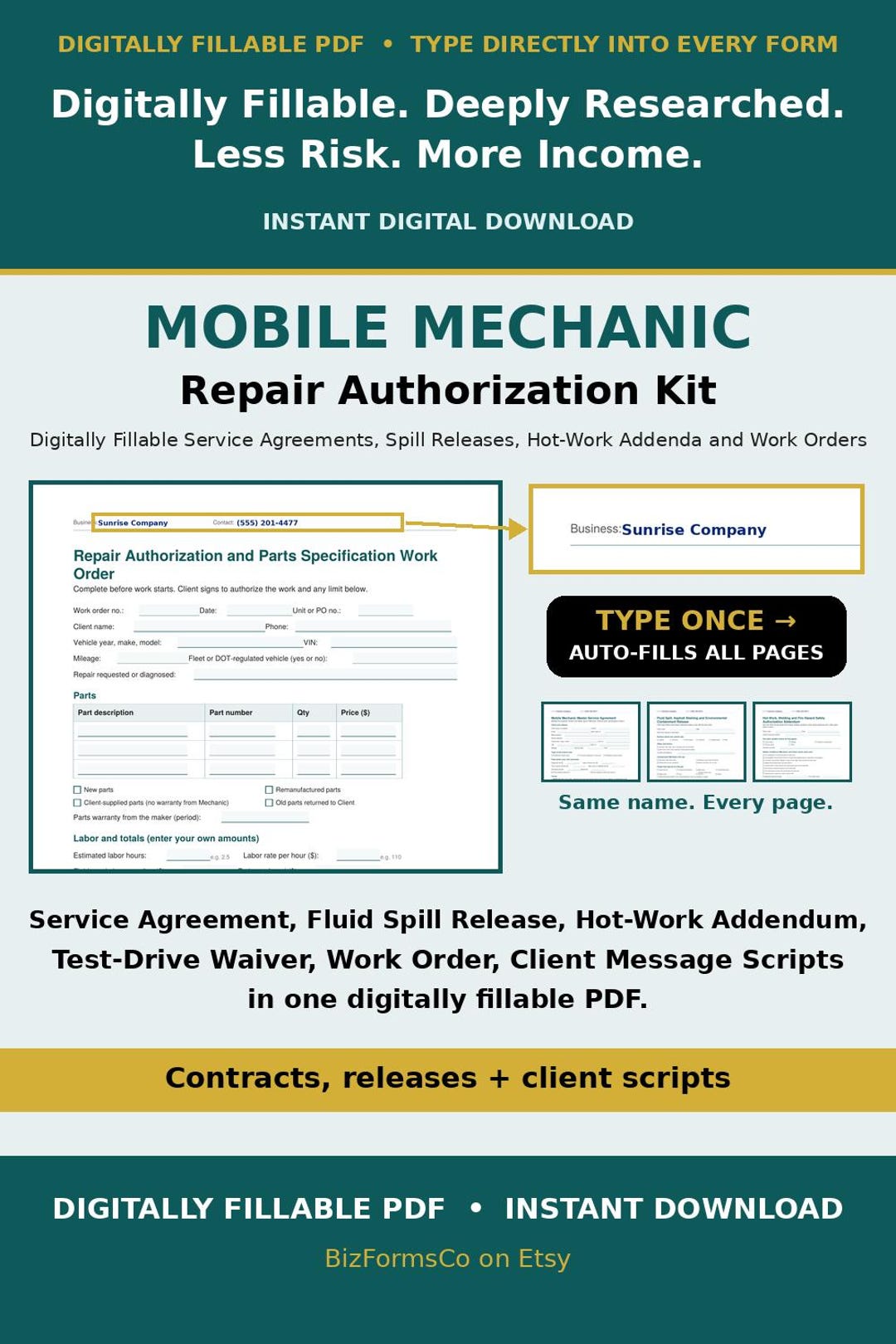
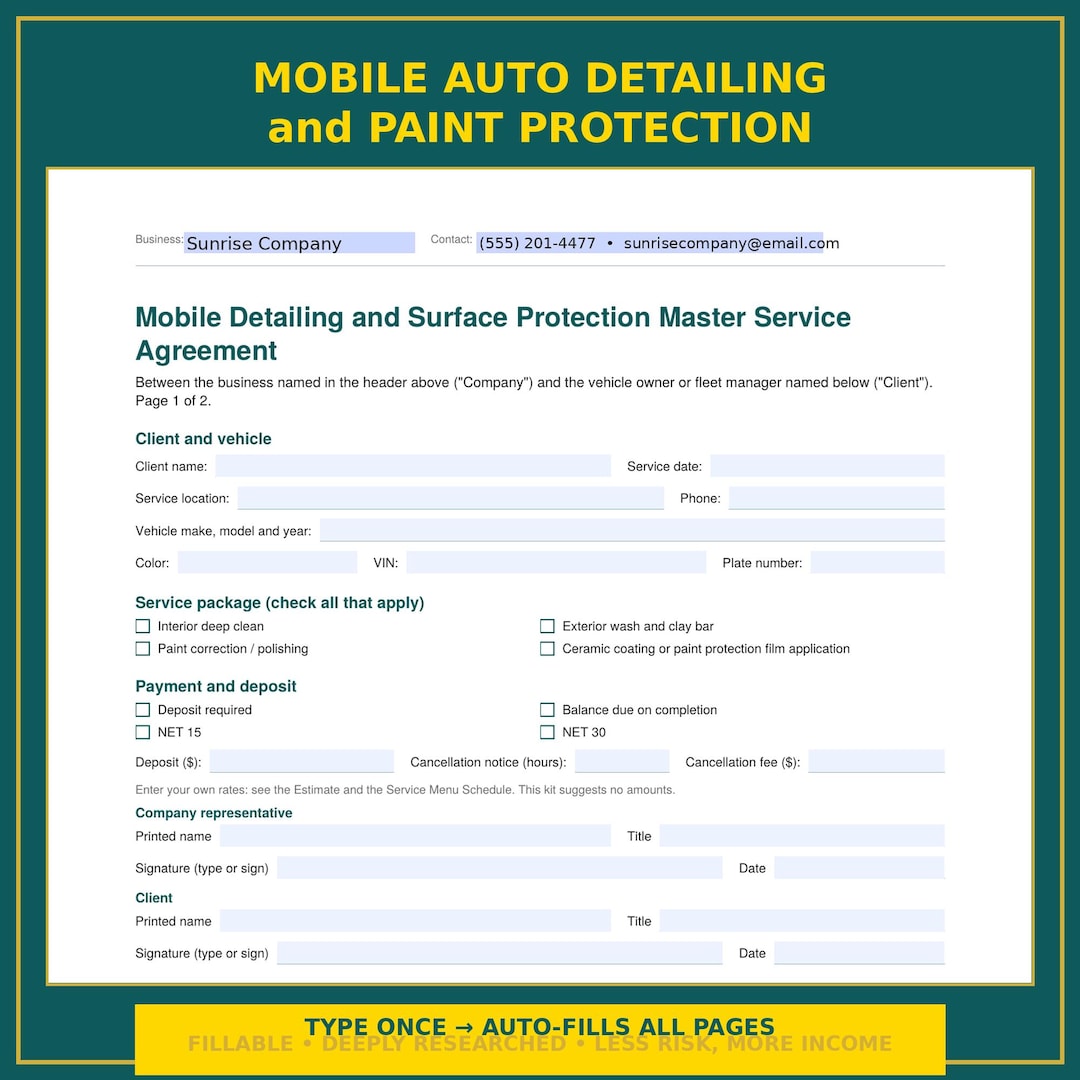
Mobile Care & Fleet Services
On-site service and repair authorizations.
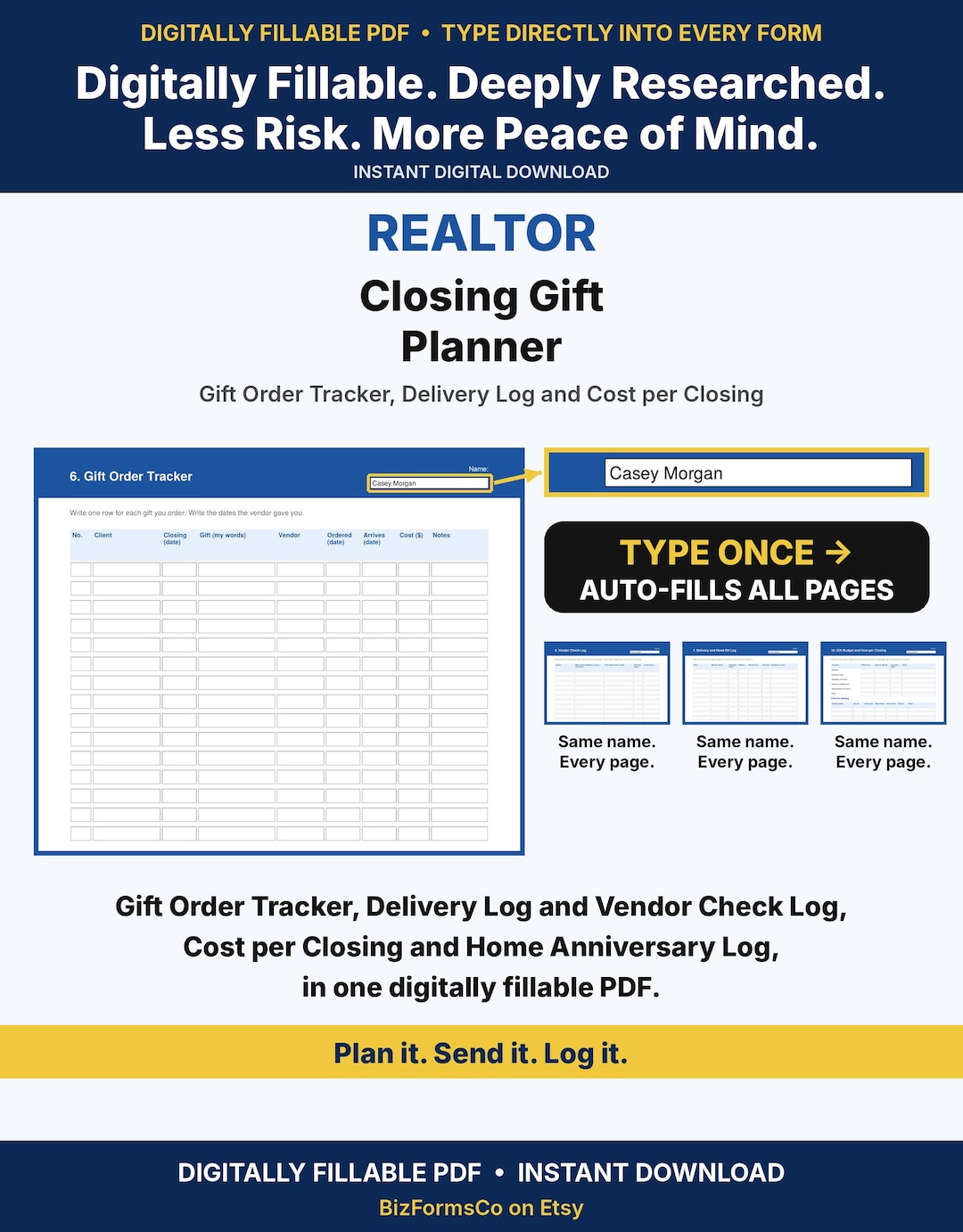
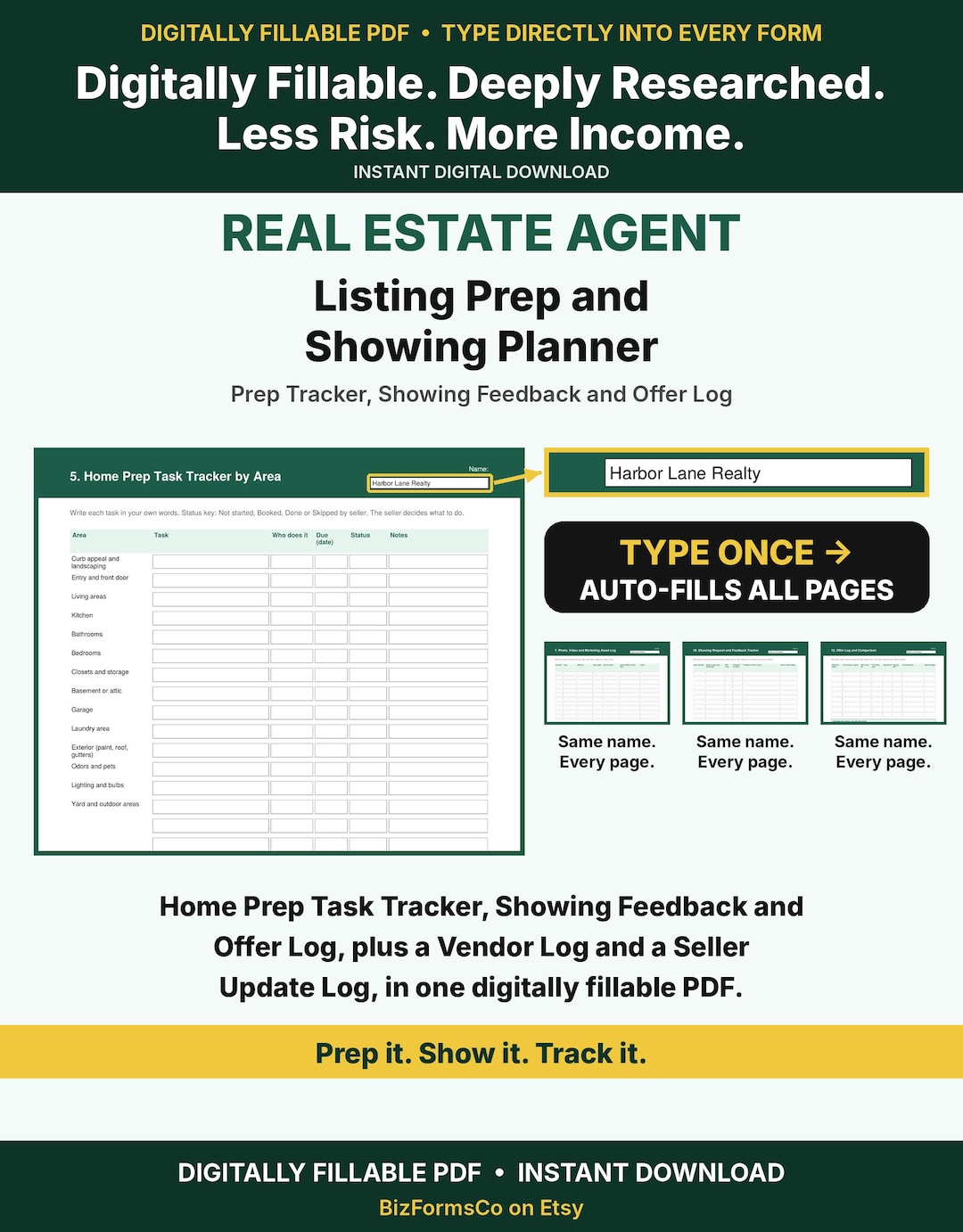
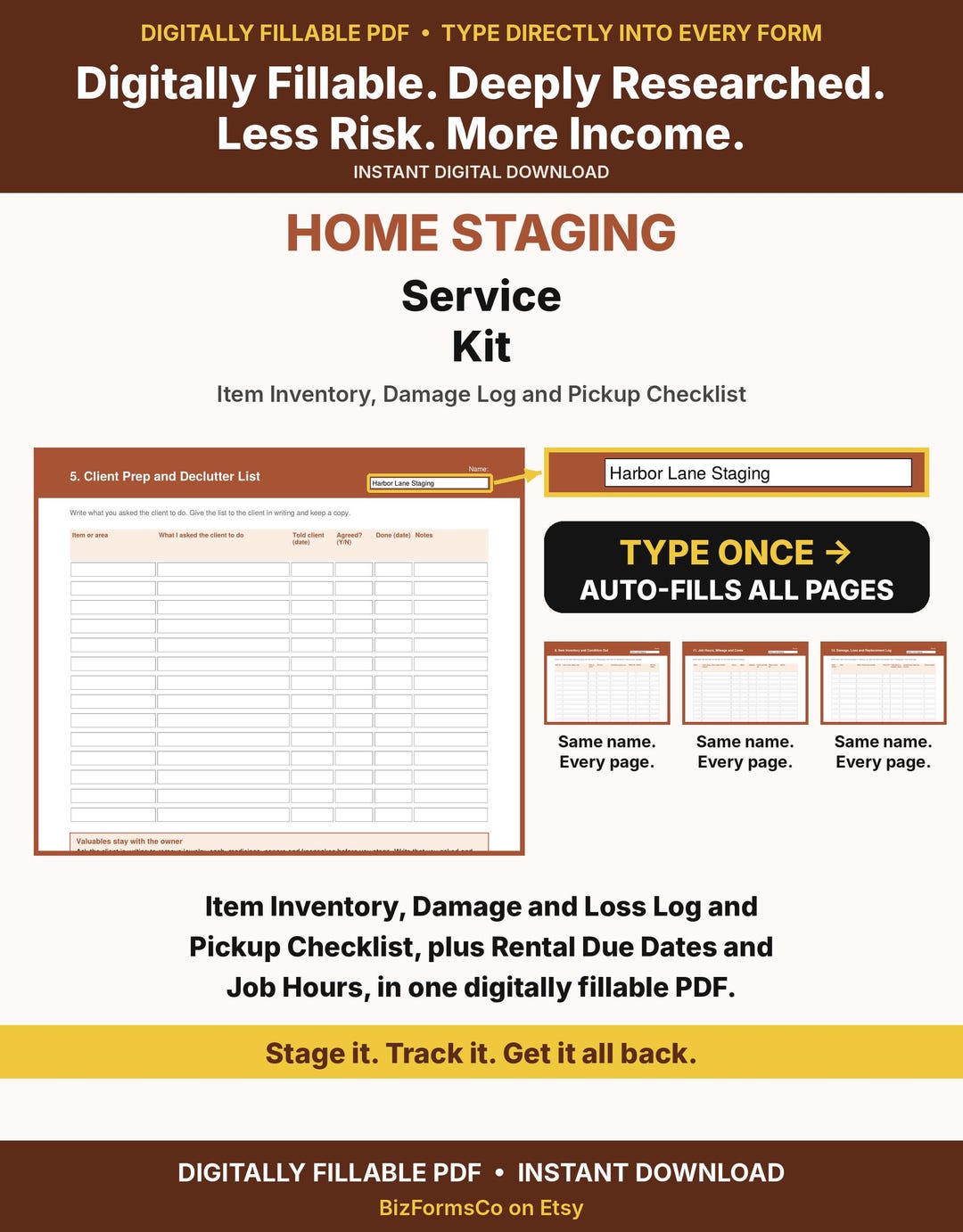
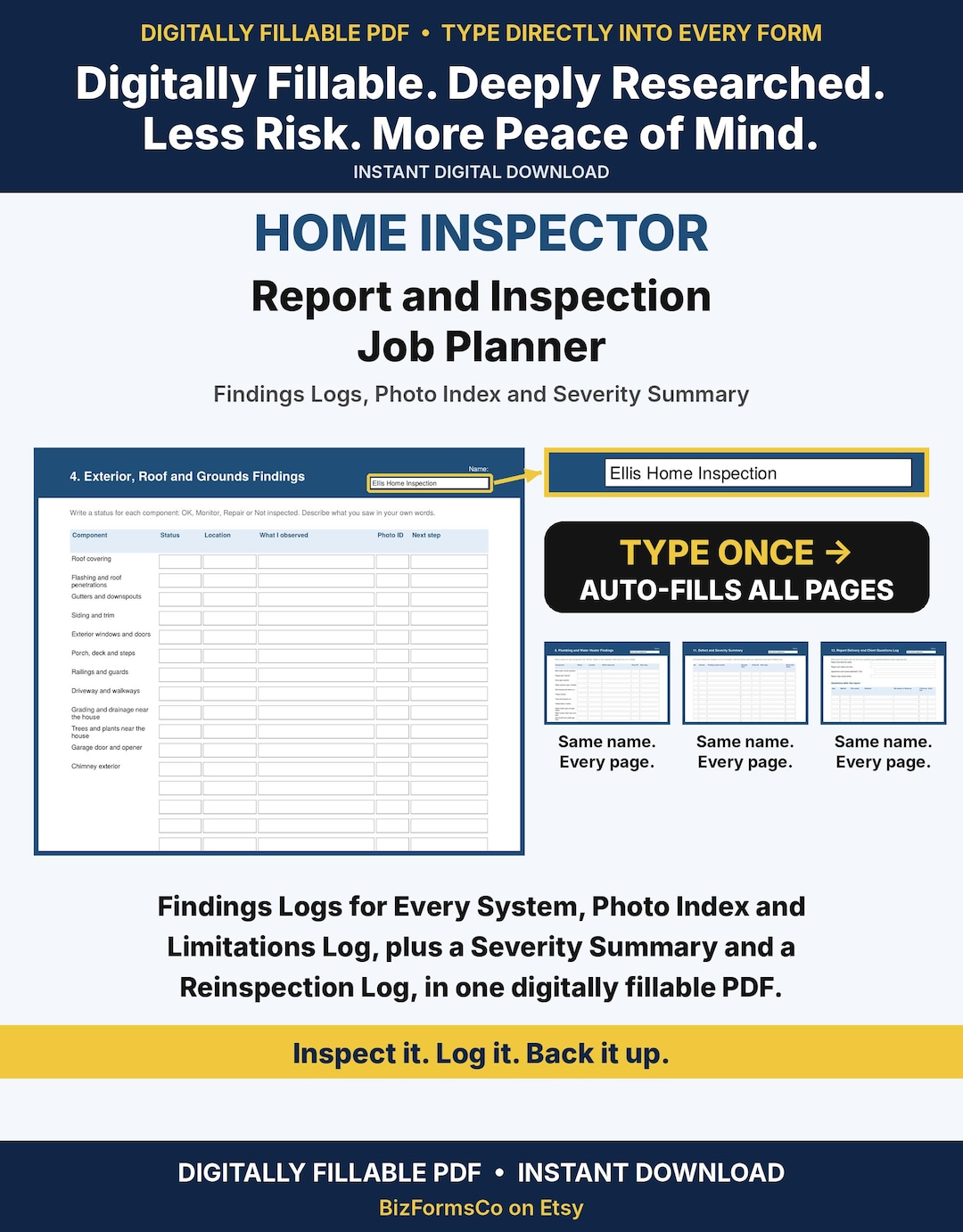
Real Estate & Home Pros
Planners and forms for agents, stagers and inspectors.
128+ more in the shop
New forms and sheets added every week. If you don't see your trade here, it's probably in the shop.
Need something that isn't there? We can custom make it. Email hello@proappguide.com.
2. Business spreadsheets: pricing calculators, estimators and job costs
Google Sheets built in plain words, with no accounting jargon. Know what the job costs before you quote it, and keep track when the scope changes.
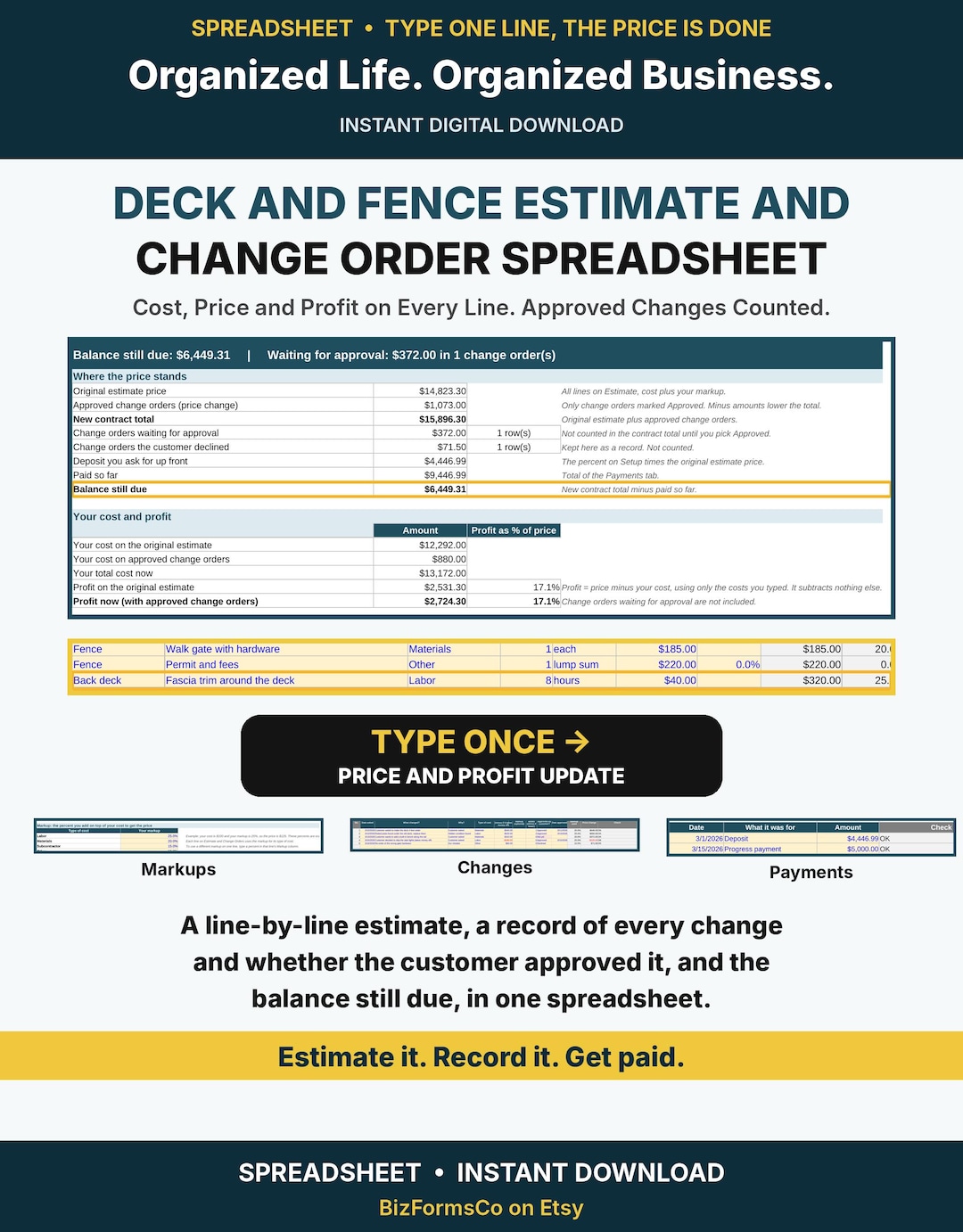
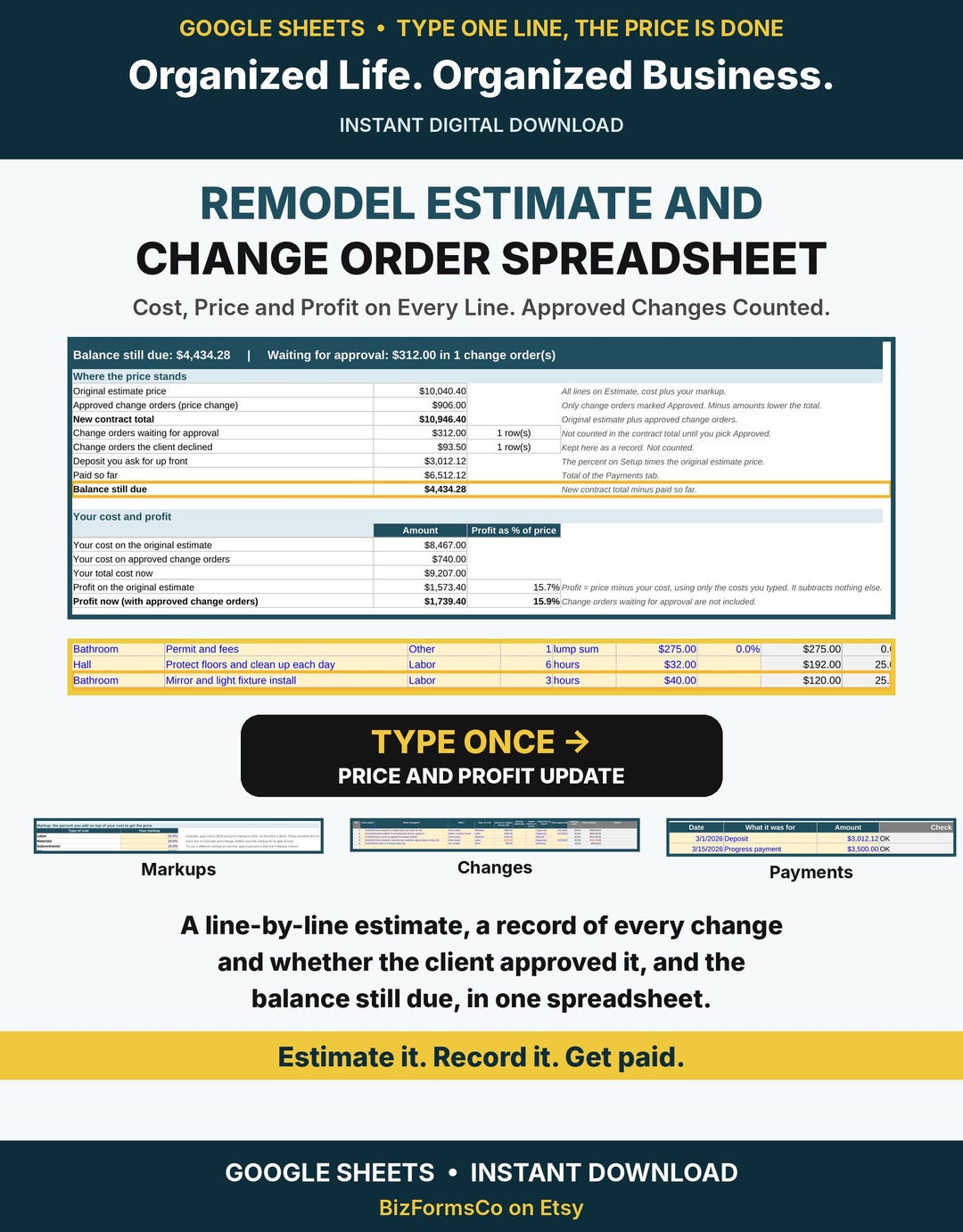
Estimate, change-order and job cost sheets
For work where the scope changes mid-job. Estimate the job, log every change order and track what it costs.
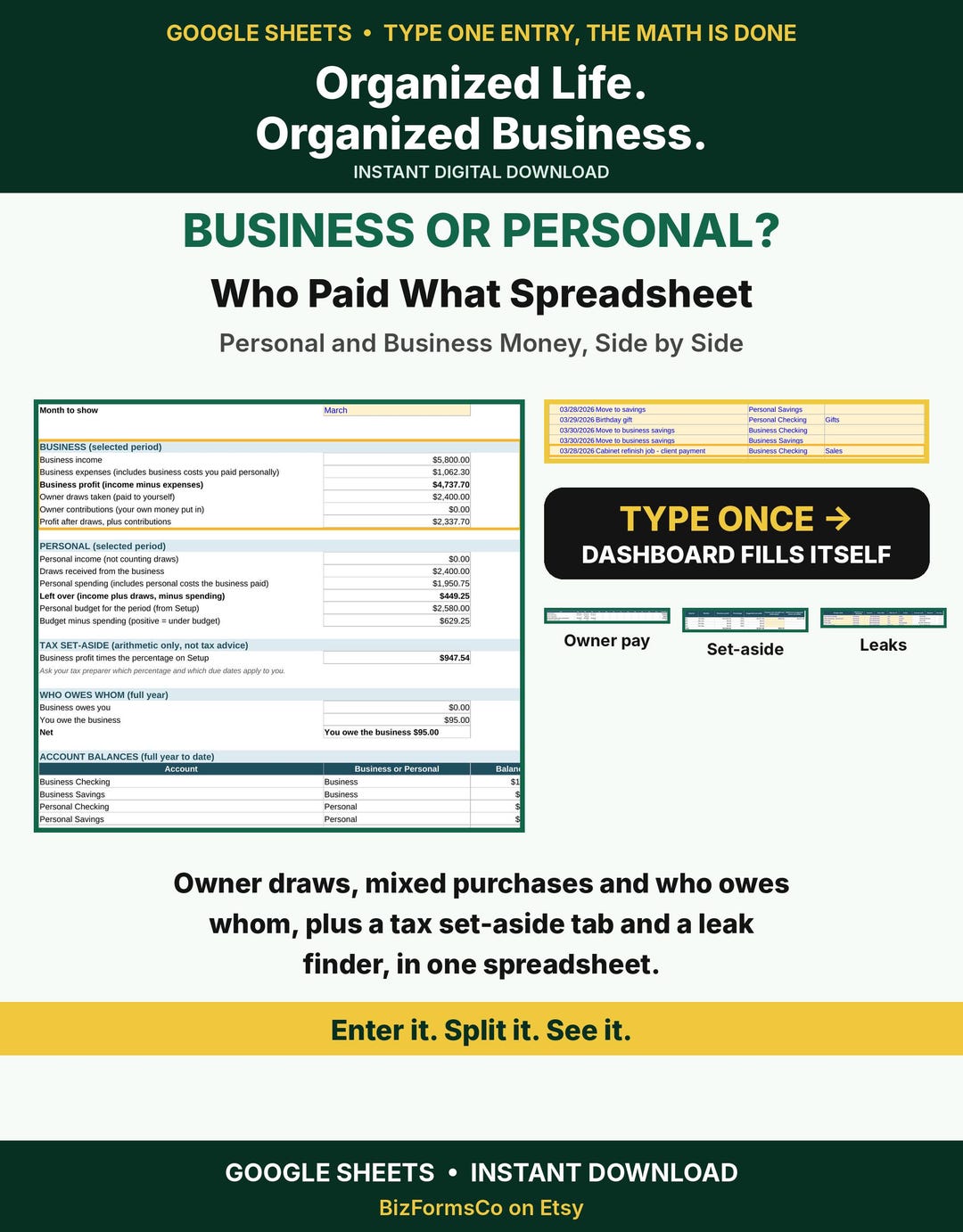
Business or Personal? Who Paid What
For owners who mix personal and business money. Sort out what the business paid, what you paid and what you are owed.
More in the shop
New forms and sheets added every week. If you don't see your trade here, it's probably in the shop.
Need something that isn't there? We can custom make it. Email hello@proappguide.com.
Why these sheets are different
Plain words, no jargon
Everyday terms business owners actually use. The accounting language most people hate is tucked behind plain choices.
Start Here and Setup tabs
Open to a Start Here tab and a Setup tab that walk you through the first steps, so you are not left guessing where to begin.
Help tab built in
Answers to common questions sit inside the workbook, so you do not need to look anything up elsewhere.
Made for Google Sheets
You get your own copy to use and edit. Keep it yours, change it to fit your business, and reuse it year after year.
3. Life sheets, because business owners have lives
The same plain-words approach for household money, plus fillable planners for home and family.
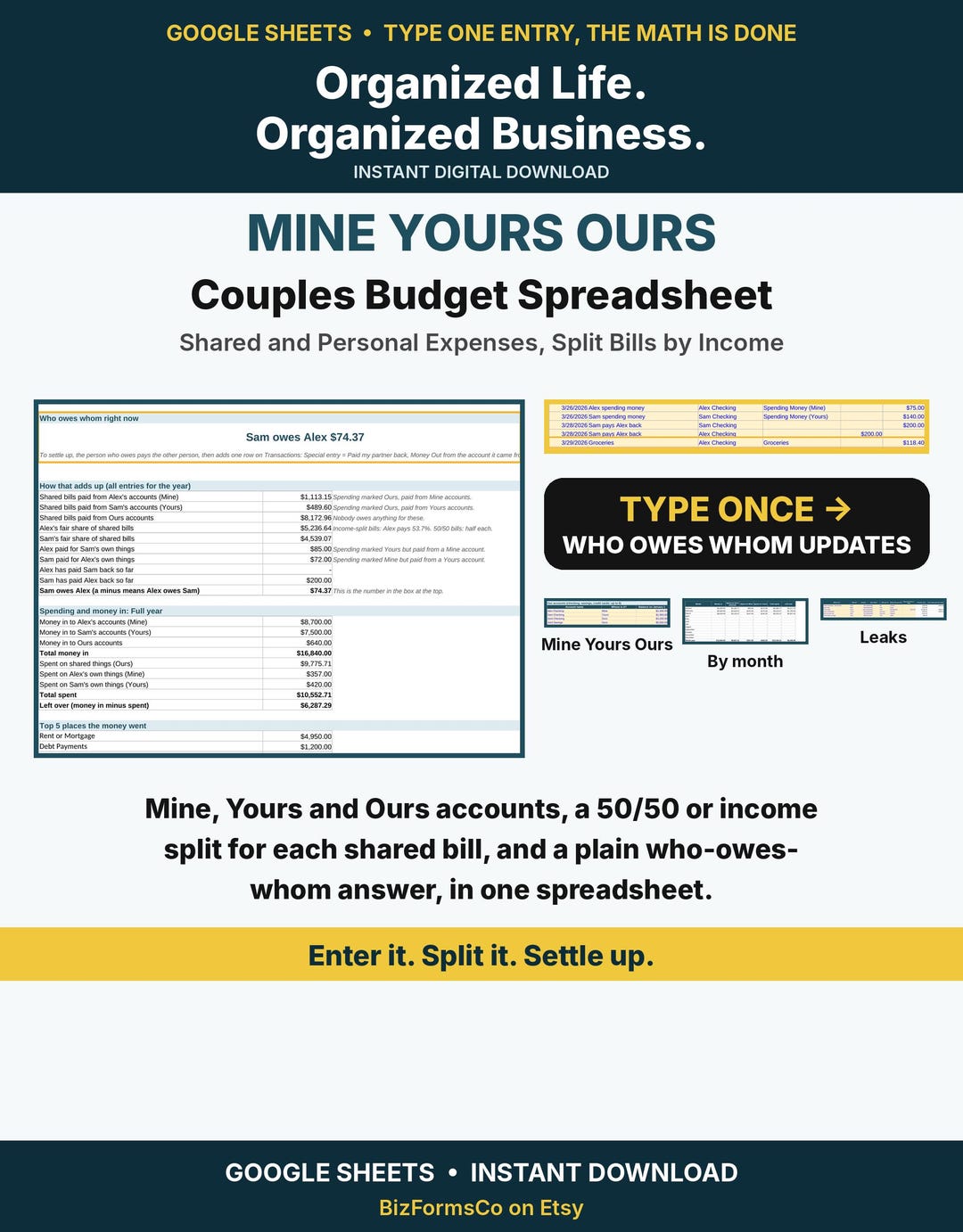
Couples budget: Mine, Yours, Ours
For couples with separate and shared accounts.
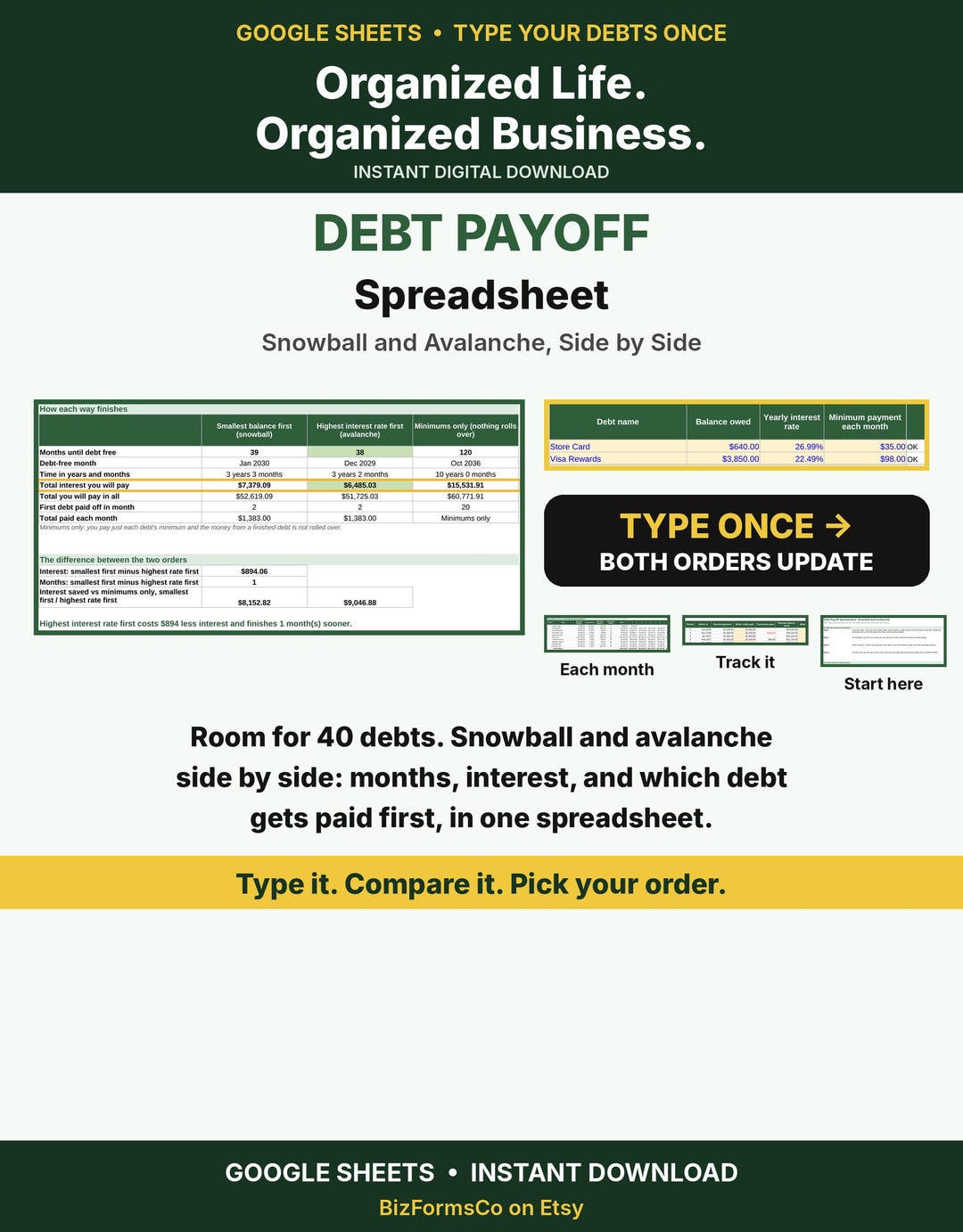
Debt payoff: snowball and avalanche
Plan how to pay down debt, using either method.
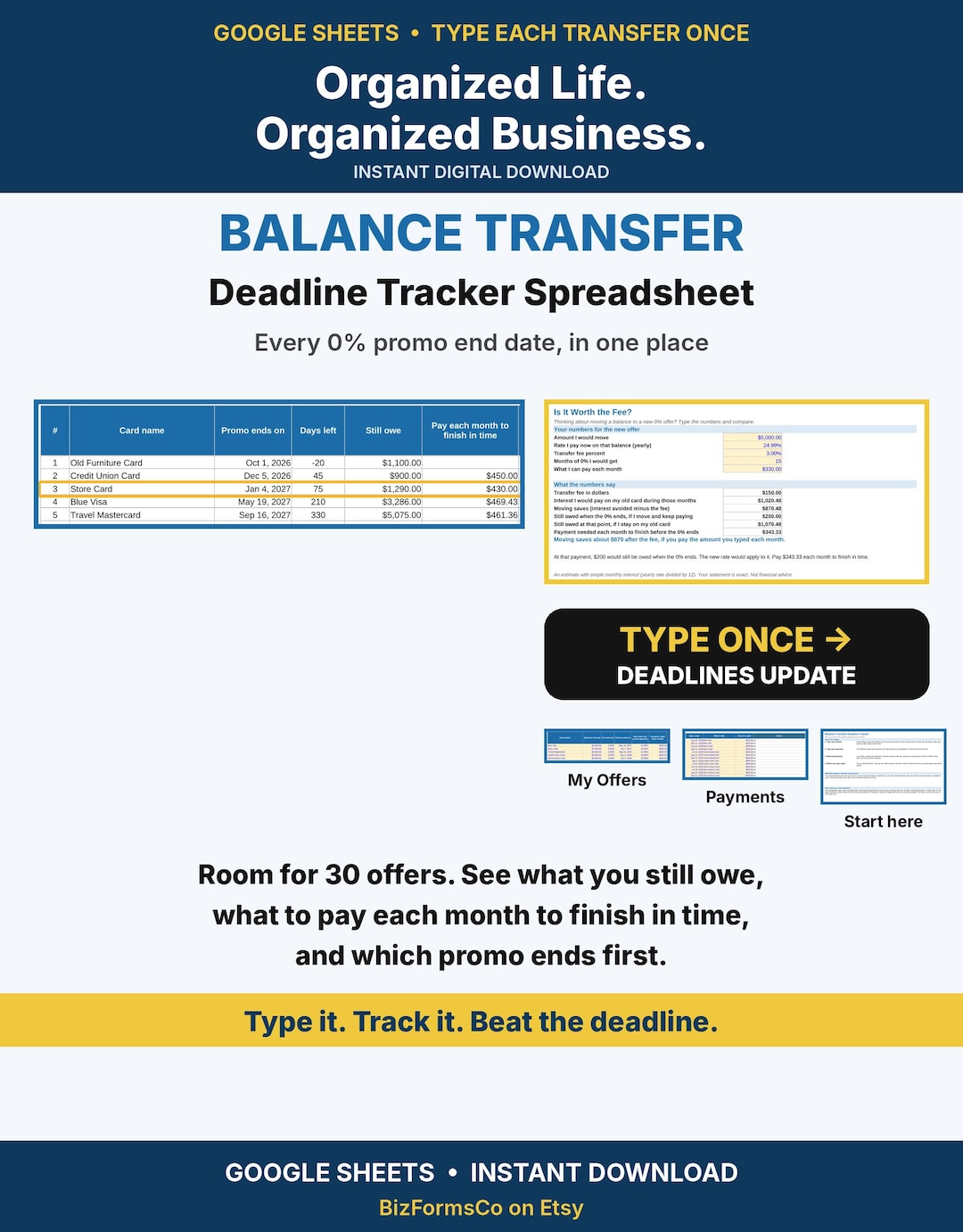
0% balance transfer and fees planner
Track card promo end dates, transfer fees and deadlines.
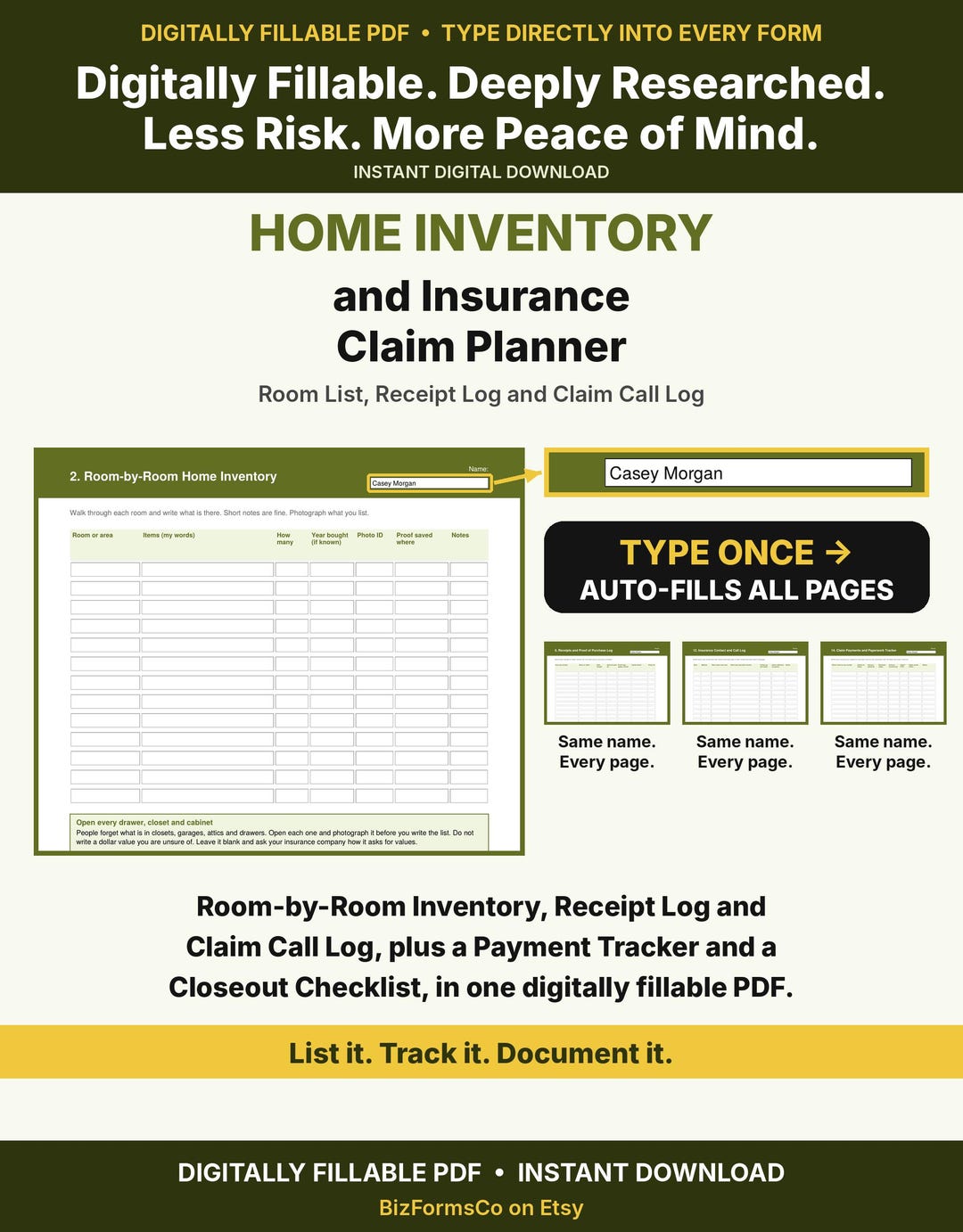
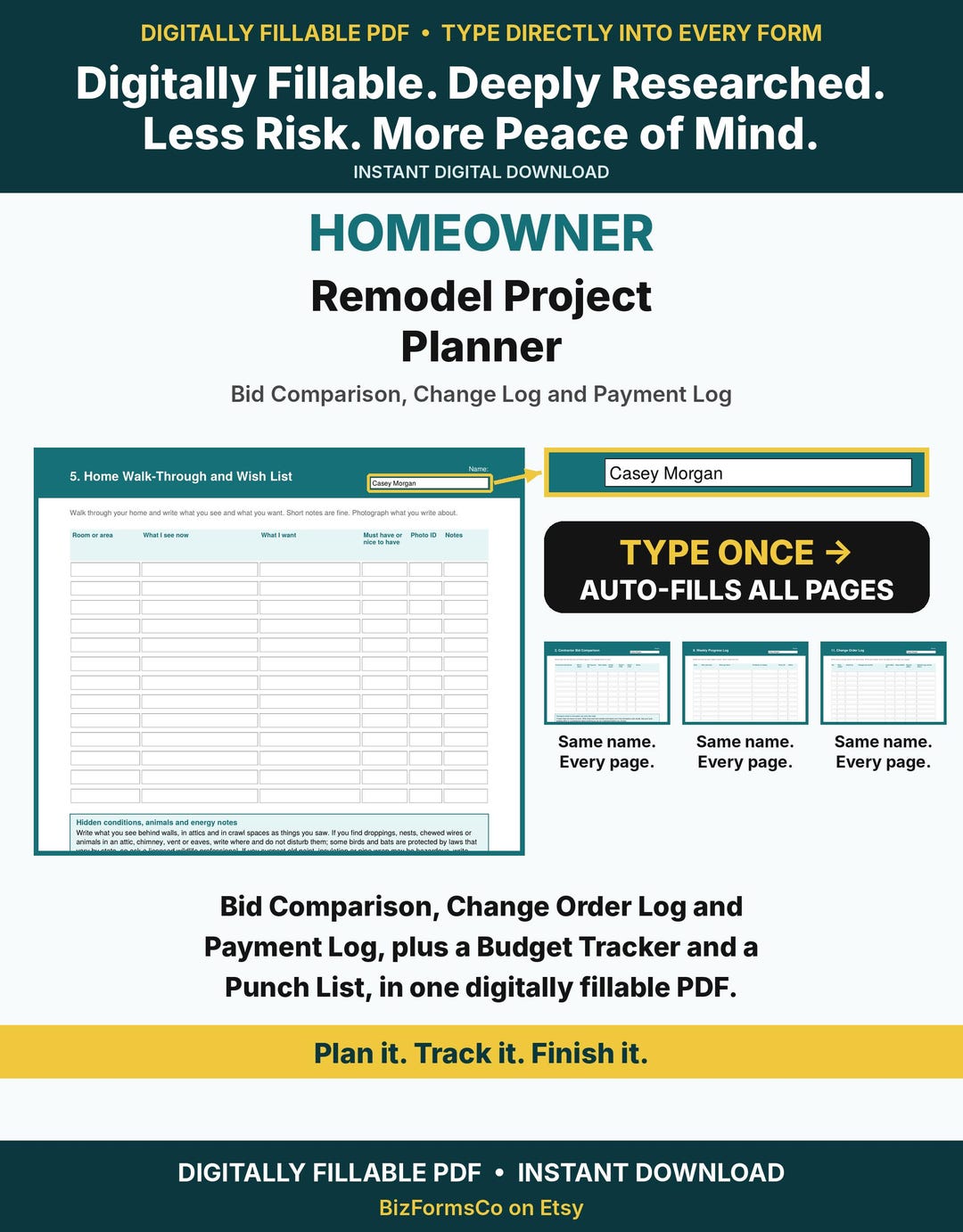
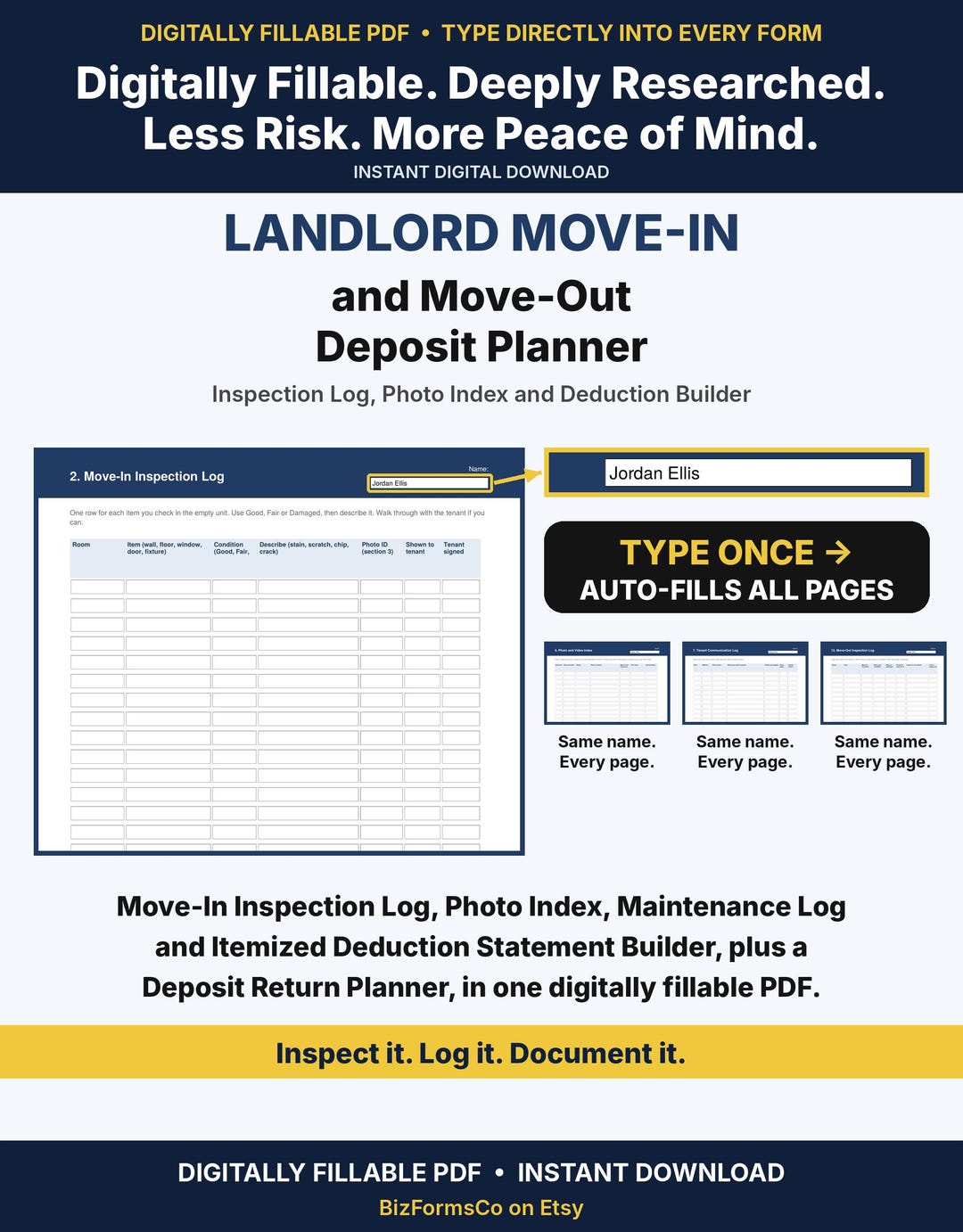
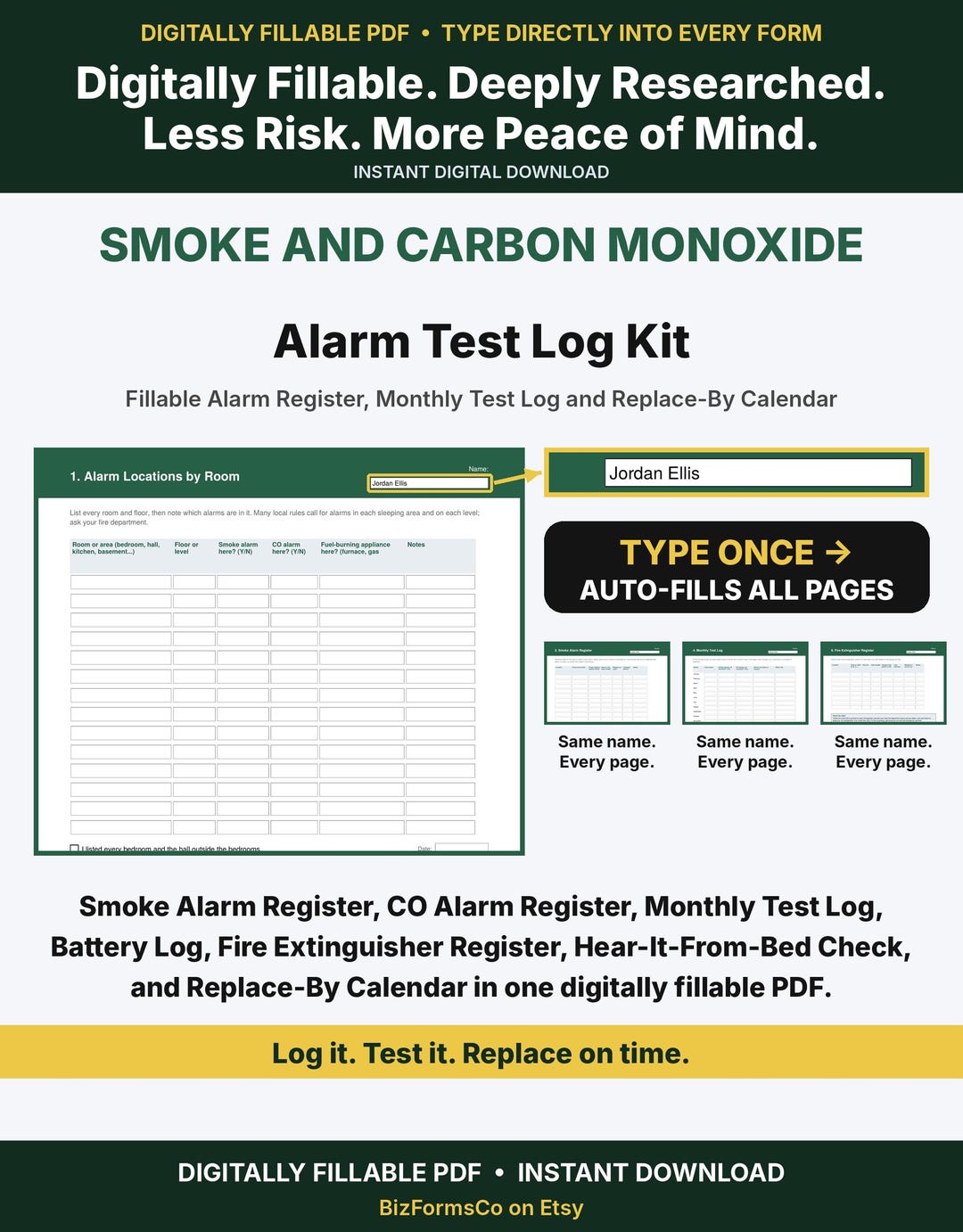
Home, rental and safety planners
Digitally fillable planners and logs for the household and rental property.
More in the shop
New forms and sheets added every week. If you don't see your trade here, it's probably in the shop.
Need something that isn't there? We can custom make it. Email hello@proappguide.com.
Before your next job, ask yourself:
- When the job changes halfway through, where is the change written down, and who signed it?
- If a customer disputes damage, what do you hand them?
- Do you know what that job earned after fuel, equipment and your own time?
- When you pay yourself, is it from the business account or your own pocket?
If an answer is "I would have to think about it," one of these tools probably fills that gap in minutes.
Want it customized? Small edits to a PDF form start at $15, and small edits to a sheet start at $20. Want your logo and brand colors on every page of a PDF kit? Ask about the Full Banner add-on. Need something built from scratch? Email us what you need using the button below.
Browse all forms and sheets on Etsy Need it customized? Email your requestSoftware, one-time tools, or both?
Many owners use both, and most start with whichever they need first. Subscription software handles scheduling, dispatch, invoicing and payments. One-time forms and sheets handle the signed paperwork, estimates and money tracking. They cover different jobs, so neither replaces the other.
| Subscription software | One-time forms and sheets | |
|---|---|---|
| How you pay | Monthly or yearly plan; some have free plans or trials | One purchase, yours to keep |
| Best at | Scheduling, dispatch, customer records, payments, reminders | Signed agreements, waivers, estimates, change orders and money tracking |
| Good time to start | When you have enough jobs that manual scheduling slows you down | Before your first job, or any time you want a clean starting point |
Compare the software options in our directory, including the estimating and quoting tools and invoicing tools, then add the forms or sheet your trade needs.